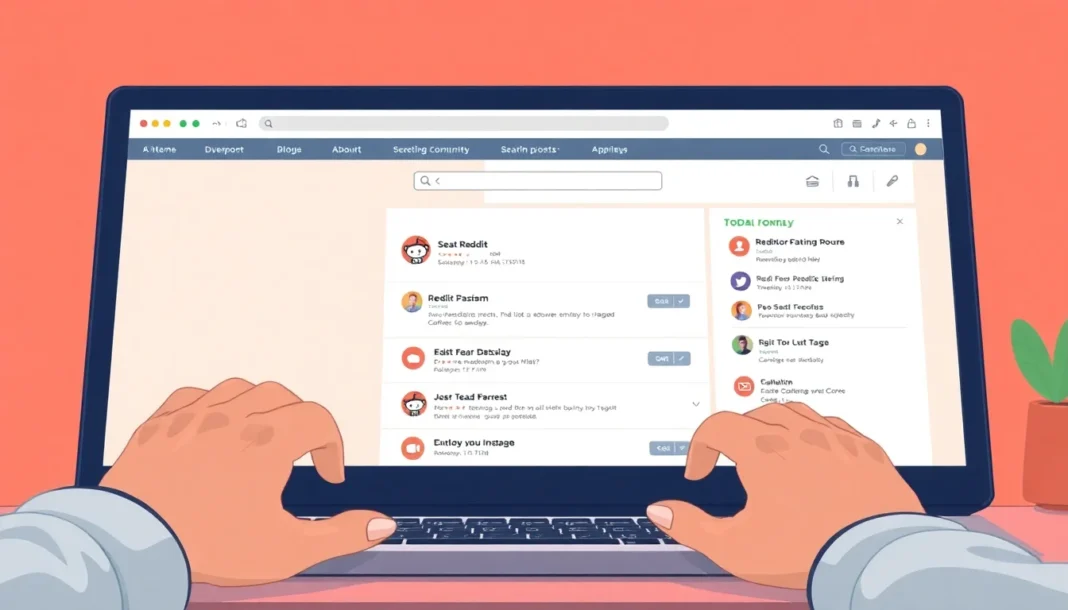

The Short Answer: Where Is the Reddit Saved Posts Link ?
Your saved posts live inside your profile, not in a separate website. On desktop, click your avatar (top right), then “Profile,” and switch to the “Saved” tab. On the official mobile app, tap your avatar, then “Saved.” That’s it. No secret URL is needed, but there is a direct link format you can bookmark: reddit.com/user/YourUsername/saved/.
What “Saving” Means on Reddit (And What It Doesn’t)
Saving a post is simply bookmarking it for later. It does not upvote it, notify the author, or make the post visible to anyone else. Only you can see your saved list.
This privacy is useful. You can save a thread about Reddit account setup without worrying that the poster or moderators will see your interest. The saved list is a private bookmarks folder, not a social signal.
Why Saving Posts Matters More Than You Think
Beginners often treat saving as a “maybe later” button. That is true, but it is also a workflow tool.
When you are learning Reddit, you will encounter subreddit rules, karma requirements, and niche-specific behaviors. Saving a relevant guide or a well-written comment lets you build a personal reference library. For example, if you are trying to understand Reddit karma, you can save two or three detailed explanations and read them side by side.
It also prevents spam. Instead of commenting “Following” or “Mark” on a thread to remember it, you just save the post. That keeps threads clean and your profile free of low-effort comments.
How to Find Your Saved Posts on Desktop, iOS, and Android
The location is slightly different on each platform. The table below shows the fastest path.
| Platform | Steps to Open Saved Posts |
|---|---|
| Desktop (web) | Click your avatar → “Profile” → “Saved” tab |
| iOS app | Tap your avatar → “Saved” |
| Android app | Tap your avatar (hamburger menu) → “Saved” |
| Direct link (any device) | reddit.com/user/YOURUSERNAME/saved/ |
If you use the direct link, make sure you are logged into the same account. The saved list is tied to the account, not to the device.
How to Organize Your Saved Posts with Categories
Reddit’s official apps let you create categories (also called “Custom Feeds” for saved items). You can group saved posts by topic, such as “Subreddit rules,” “Marketing,” or “Humor.”
Here is how to do it on desktop:
- Open your “Saved” tab.
- Click the “Create Category” button on the right.
- Name it (e.g., “Reddit Rules”).
- Select existing saved posts and assign them to that category.
On mobile, the process is similar. Tap the three-dot menu on a saved post and choose “Add to Category.”
This is especially helpful if you save a lot of content. A single endless list becomes unmanageable after a few hundred saves. Categories turn your saved list into a mini research database.
Common Mistakes That Confuse Beginners
Mistake 1: Searching for a “saved” button in the wrong place. The save icon is under every post and comment, usually a bookmark or flag icon. If you cannot see it, check the row of icons below the post text.
Mistake 2: Confusing “saved” with “hidden” or “upvoted.” Hiding a post removes it from your feed. Upvoting shows public support. Saving is private and independent.
Mistake 3: Not realizing saved posts can disappear. If the original author deletes the post, it often vanishes from your saved list too. If something is critical, copy the text or use a third-party bookmark tool.
Mistake 4: Using a shared or borrowed account. If you log in on a friend’s device, your saved posts are visible there. Always log out after using a public or shared computer. This is part of basic Reddit privacy basics.
Checklist: Save and Find a Post in Under 30 Seconds
- Find a post or comment you want to keep.
- Click the bookmark/save icon underneath it.
- Go to your profile → “Saved” tab.
- Confirm the post appears at the top of the list.
- (Optional) Create a category and assign the post to it.
- (Optional) Bookmark the direct link
reddit.com/user/YOURUSERNAME/saved/for faster access.
Final Takeaway
The reddit saved posts link is not a magic feature, but it is one of the most underused tools for beginners. Once you understand that saving is private, platform-specific, and easy to organize, you can turn it into a research habit.
If you are just starting out, build a small saved collection of subreddit rules and karma guides. It beats scrolling back through your history every time you need a quick answer.
For this use case, practical proxy option for Reddit workflows should be compared by pricing, setup difficulty, support quality, refund policy, and whether it fits your workflow.
FAQ
Q: What does reddit saved posts link mean on Reddit?
A: It depends on the context, but the safest way to understand it is to look at Reddit’s community rules, your account history, and how users normally participate in that subreddit.
Q: Why does reddit saved posts link matter?
A: It can affect whether your posts, comments, or account activity look trustworthy. Reddit communities usually reward natural participation and may restrict accounts that look new, empty, or promotional.
Q: What should beginners do first?
A: Read the rules of the subreddit, build a visible comment history, avoid rushing into links or promotion, and focus on useful participation before trying more advanced Reddit workflows.


