
Start here: the short answer for beginners
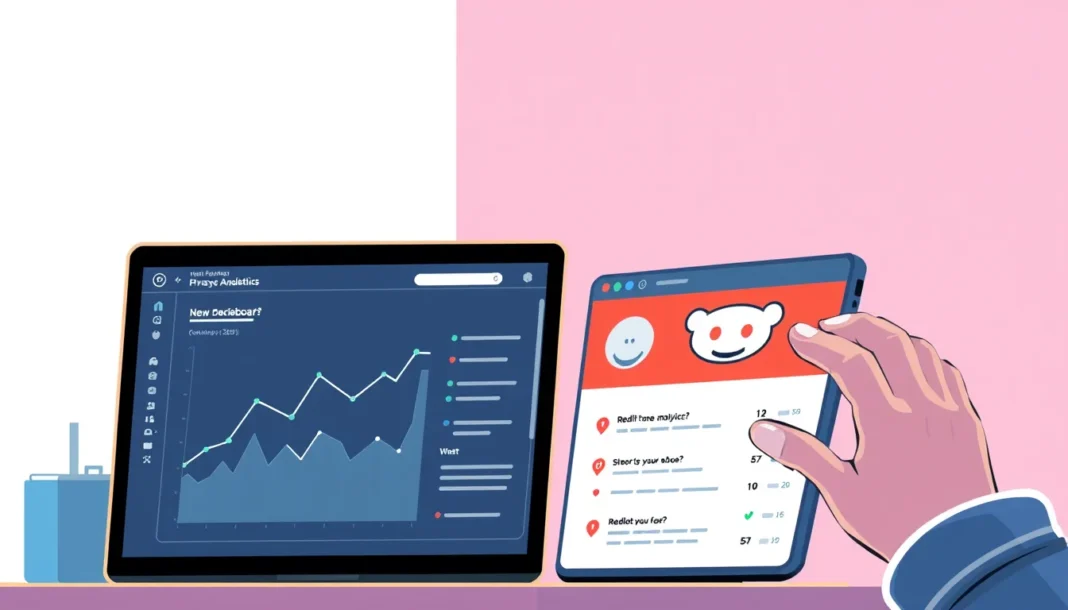
A Reddit analytics profile is simply a saved setup that tells you which subreddits, keywords, accounts, and metrics you’re watching — and where that data lives. It’s not a single Reddit feature. Reddit gives you some native numbers (post views, upvote ratios, traffic stats for your own subreddit), but most useful analytics come from combining native data with outside tools and a consistent tracking file.
If you’re starting from zero: pick five subreddits, list the keywords you care about, and track them in one spreadsheet for two weeks before buying anything.
What a Reddit analytics profile actually is
Think of it as a folder of decisions:
- Which subreddits you monitor
- Which keywords or phrases you search
- Which accounts (yours, competitors, or influencers) you watch
- Which metrics you record — upvotes, comment counts, post timing, sentiment
- Where you store it — spreadsheet, dashboard, or a dedicated tool
That’s it. A “profile” is just your repeatable lens. Without one, you end up re-searching the same things every week and forgetting what you learned.
Why this matters more than you think
Reddit is not Instagram. A post with 400 upvotes in r/webdev behaves nothing like 400 upvotes in r/gardening. Timing, subreddit culture, and comment quality change everything.
A saved profile lets you:
- Compare subreddits fairly instead of guessing
- Spot which post formats actually get traction
- Notice when a subreddit’s mood shifts
- Avoid repeating failed experiments
For anyone doing outreach, marketing, or community work, this is the difference between “I think Reddit likes this” and “here’s the pattern from six weeks of data.”
Step-by-step: building your first profile setup
1. Define your goal in one sentence.
Example: “Find which two subreddits are worth posting to for my SaaS tool.”
2. Pick 3–5 subreddits.
More than five and you won’t keep up. Less than three and you have no comparison.
3. List 5–10 keywords.
Include your topic, your competitors’ names, and problem phrases people actually type (“how do I fix…”).
4. Choose your metrics.
Start small: post title, subreddit, time posted, upvotes after 24h, comment count after 24h.
5. Pick your storage.
A Google Sheet is fine. If you want more, a Reddit analytics tool can automate collection, but you still need the profile defined first.
6. Set a review rhythm.
Weekly for four weeks. Anything less and you’re guessing.
For account-side setup, if you’re managing multiple logins, keep a separate browser profile for each. A privacy browser or dedicated profile keeps sessions clean and stops you from mixing research data with personal browsing.
Practical example: tracking one subreddit for two weeks
Say you sell a note-taking app and you’re watching r/productivity.
Week 1: You log every post that gets 100+ upvotes — title, day, hour, top comment theme.
Week 2: You do the same, then compare.
What you might find:
| Pattern | Week 1 | Week 2 |
|---|---|---|
| Best posting time | Tue 9am | Tue 9am |
| Top format | “How I stopped X” | “How I stopped X” |
| Most upvoted theme | Burnout | Burnout + tools |
Two weeks doesn’t prove everything, but it beats posting blind. Now you know Tuesday mornings and personal-story titles are your baseline.
If you’re also running multiple research accounts, a proxy for Reddit keeps each session isolated so your data isn’t crossing wires between profiles.
Common mistakes beginners make
Tracking too much. Twenty metrics you never review are worse than five you update weekly.
Ignoring comment sections. Upvotes show reach; comments show sentiment. Read both.
Mixing accounts in one browser. Sessions bleed, cookies overlap, and your “competitor research” tab ends up logged into your brand account.
Comparing raw numbers across subreddits. A 50-upvote post in a niche subreddit can outperform a 500-upvote post in a default one for your goals.
Not writing down why a post worked. The number is useless without the reason.
Buying tools before defining the profile. Tools amplify a plan; they don’t replace one. If you’re comparing Reddit analytics tools, test each against your five keywords first.
Quick checklist before you start tracking
- [ ] Goal written in one sentence
- [ ] 3–5 subreddits chosen
- [ ] 5–10 keywords listed
- [ ] Metrics capped at five
- [ ] Storage set up (sheet or tool)
- [ ] Weekly review slot on your calendar
- [ ] Separate browser profile per account
- [ ] Four-week commitment before changing anything
Practical takeaway
Your Reddit analytics profile doesn’t need to be fancy. It needs to exist, be consistent, and be reviewed on a schedule. Build the smallest version this week — five subreddits, five keywords, five metrics — and let the data tell you what to add next.
For this use case, practical proxy option for Reddit workflows should be compared by pricing, setup difficulty, support quality, refund policy, and whether it fits your workflow.
FAQ
Q: Do I need paid tools to build a Reddit analytics profile?
A: No. A spreadsheet and 30 minutes a week covers most beginner needs. Paid tools help with scale, automation, and multi-account tracking, but they can’t replace a clearly defined profile.
Q: How many subreddits should I track at once?
A: Start with three to five. Fewer than three gives you nothing to compare against; more than five usually means you stop updating the sheet by week two.
Q: What’s the most useful metric for a beginner?
A: Upvotes and comment count at the 24-hour mark. They’re easy to record, comparable across posts, and reveal timing and format patterns quickly.
Q: Can I use one browser for research and my main Reddit account?
A: You can, but it’s messy. Separate browser profiles (or a dedicated privacy setup) keep sessions, cookies, and logins from overlapping, which matters if you’re managing more than one account.
Q: How long before I can trust the data?
A: Four weeks minimum. Two weeks shows patterns; four weeks shows whether those patterns hold. Don’t make big strategy calls on less than that.


